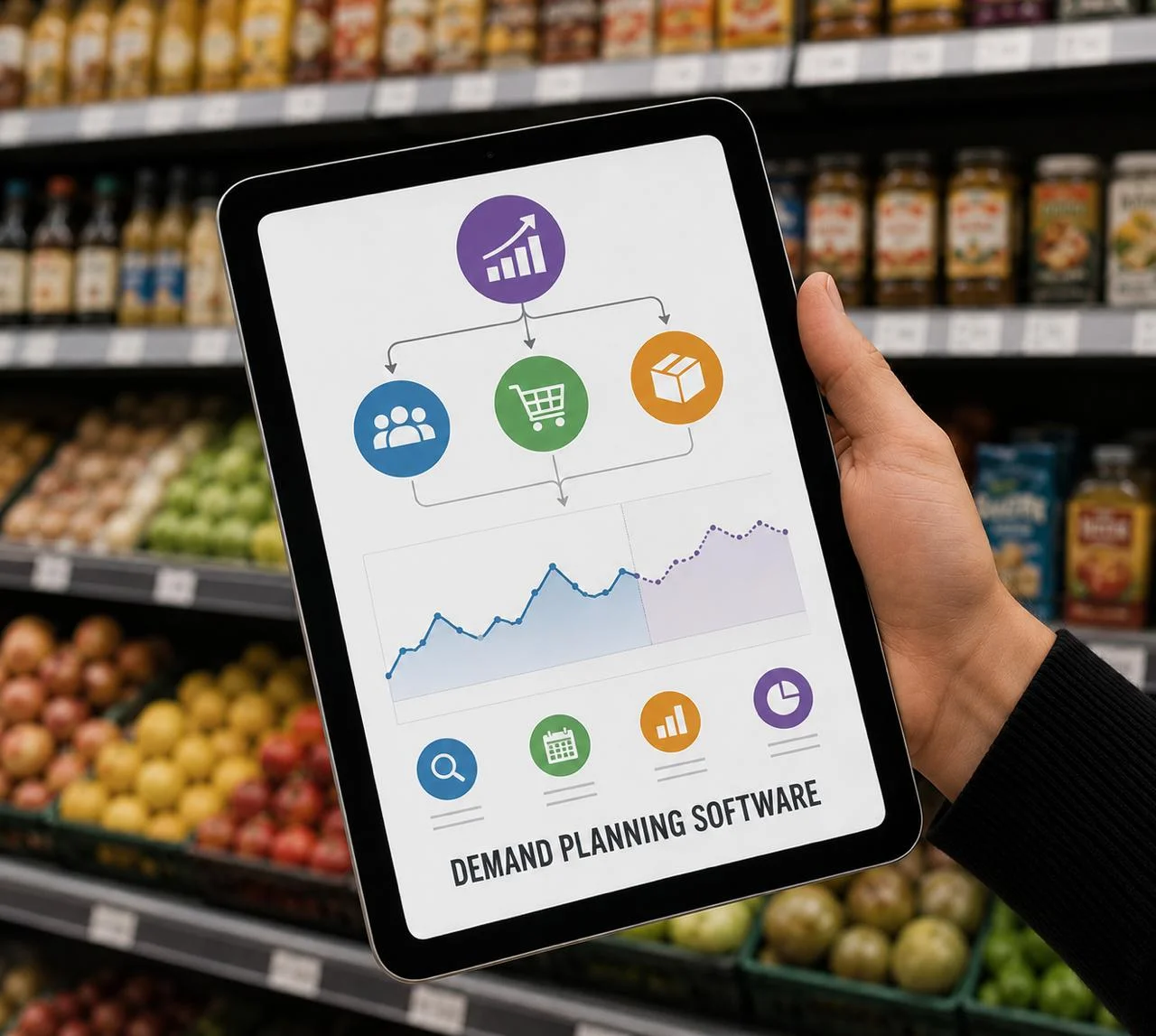


In modern retail, speed wins. Unfortunately, too many store teams still rely on outdated tools, fragmented systems, or manual processes to manage critical operations. As a result, decisions get delayed, mistakes slip through the cracks, and valuable sales opportunities are lost.
LEAFIO SuperApp is designed to change that. By uniting advanced retail analytics, in-store diagnostics, and task management in a single mobile interface, the app empowers everyone — from sales associates to category managers to store directors — to make better decisions faster and take action on the go.
In this article, we’ll show you how to use LEAFIO SuperApp like a pro — not just to “check numbers,” but to actively drive performance improvements every day.
The Big Picture: Why Integrated Execution Matters
Before we explore the modules, let’s look at why this type of app is a game changer for retail. Traditionally, stores and managers work in silos:
- Analytics are viewed on dashboards in the back office (often a day or two old)
- In-store checks are manual and inconsistent
- Tasks are assigned separately via email, messenger, or phone calls
- No unified system tracks what was done and what still needs action
LEAFIO SuperApp closes these gaps by bringing together three essential capabilities:
See what’s happening (Dashboard)
Diagnose on the spot (Scanner)
Act immediately (Task Manager)
And crucially — all of this happens in the same mobile environment. No switching apps. No delayed responses. No missed opportunities.
Dashboard: Go From Insight to Action
The Dashboard is where it all starts. It provides a real-time snapshot of your store’s or category’s performance, enabling you to monitor key metrics daily:
- Total sales and category sales
- Out-of-stocks and overstocks
- Product availability
- Inventory turnover (Days of Supply)
But great teams don’t just watch these numbers — they use them to trigger action.
Case #1: Battling Low Availability
Your dashboard shows product availability at 88%, while your target is 95%. What’s your move?
✅ Create a task for floor staff to check stock on the shelf and in the stockroom — perhaps products are sitting in the back.
✅ If systemic, escalate to the replenishment team to adjust ordering parameters.
Result: You prevent lost sales and improve customer satisfaction — fast.
Case #2: Tackling Rising Overstocks
You notice that overstocks are up 34%, with a +37.7% jump this week. What do you do?
✅ Assign a task to the planner to review order volumes and promotion timing.
✅ Launch a clearance promo for slow-moving items.
Result: You reduce future markdowns and free up valuable shelf space.
Case #3: Controlling High Write-offs
Write-offs have increased 1.6% to $14,649.
✅ Send a task to the auditor to inspect storage conditions (temperature zones are a common culprit).
✅ Task staff to improve the rotation of short-shelf-life products.
Result: You stop further financial losses and improve stock handling discipline.
Case #4: Uncovering Store Performance Gaps
Comparing store sales: Store 1 = $381K Store 5 = only $173K
✅ Assign tasks to both managers to analyze layout, merchandising, promotions, and staffing.
✅ Identify the discrepancies and implement improvements in the store that is sinking. If it doesn't work, check it out in person.
Result: You drive healthy competition and share best practices between locations.
Case #5: Underperforming Category (Juice Drinks)
Juice sales lag behind milk during peak beverage season.
✅ Assign task to category manager to review planogram and promotional materials.
Scanner: Diagnose On the Spot
While the Dashboard gives you the big picture, the Scanner lets you zoom into SKU-level details — right on the shop floor. Scan any product barcode and instantly view:
- On-hand stock
- Order status and expected delivery
- Promotion participation
- Average daily sales
- Recent write-offs or deliveries
Case #6: Spotting Stock Discrepancies
You scan a popular SKU. The system says 556 units; shelf count shows 450.
✅ Task the inventory team to audit this SKU — there may be shrinkage, incorrect receiving, or stock in the wrong location.
Result: You maintain stock accuracy and improve ordering precision.
Case #7: Fixing Auto-Replenishment
Scan reveals that a key item is active but has no next order scheduled.
✅ Task supply chain manager to check minimum/maximum settings (MOQ/ROQ).
Result: You avoid future out-of-stocks and lost sales.
Case #8: Catching Missed Promotion Opportunities
You scan a $1,749 item — no promotion attached.
✅ Assign a task to marketing to include the SKU in the next high-value promo campaign.
Result: You capture additional margin on premium items.
Case #9: Enforcing Planogram Compliance
You scan a product and see that it’s shelved in the wrong category.
✅ Create a task (with attached photo) for staff to correct placement.
Result: You improve customer navigation and planogram adherence.
Task Manager: Act Instantly, Without Losing Context
The Task Manager is the engine that drives action.
The magic is that you can create tasks right where you notice the issue:
- From a dashboard chart
- From an SKU scan
- From the product card view
No switching apps. No taking notes and following up later. One tap — task created — action underway.
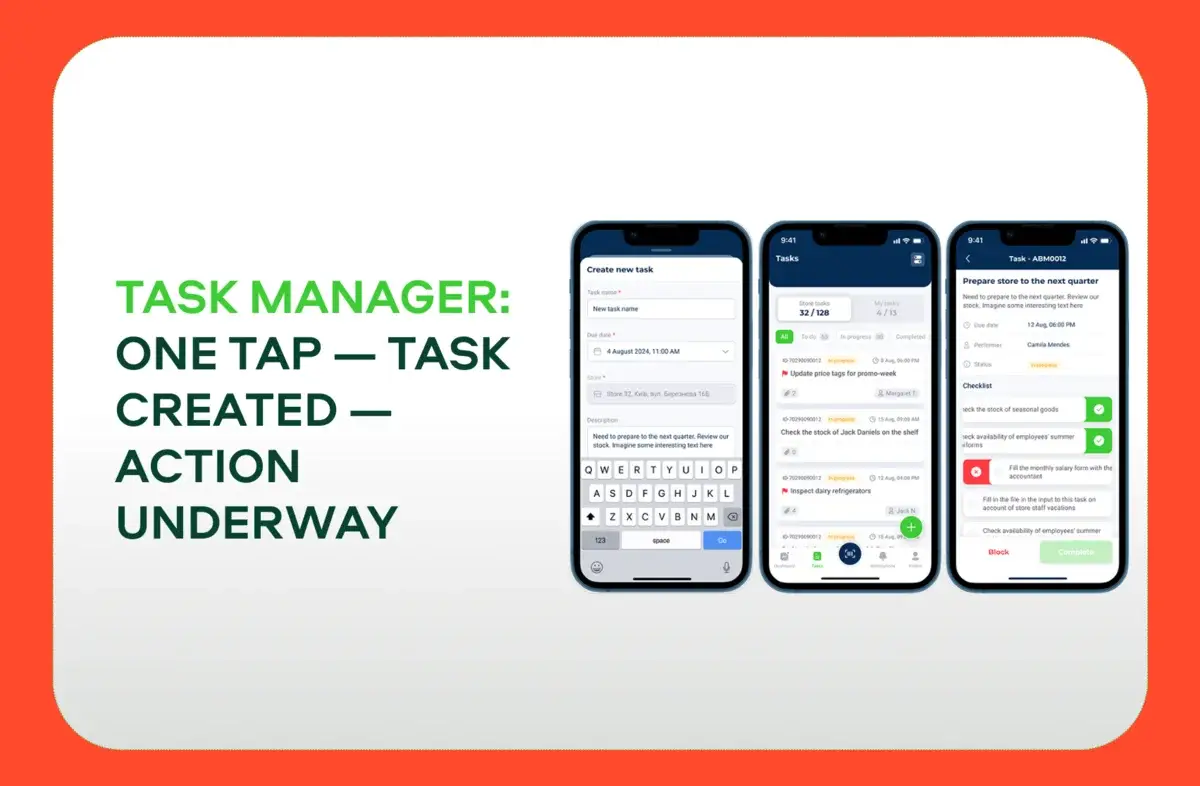
Common task types include:
- Stock checks and corrections
- Planogram verification (with photos)
- Promotion execution
- Order adjustments or cancellations
How Different Roles Can Use Task Manager
| Role | Observation | Action |
|---|---|---|
| Sales Associate | The product exists in the system but not on the shelf | Task: locate and restock the item |
| Active product missing auto-replenishment | Task: category manager to enable auto-order | |
| Store Manager | Availability drop in dashboard | Task: check shelf stock, correct merchandising |
| Rising overstocks | Task: run clearance promo | |
| Lost sales from out-of-stocks | Task: adjust auto-order parameters | |
| Category Manager | Category sales below average | Task: audit store layout & pricing |
| Auto-order disabled in some stores | Task: enable auto-order or place manual orders | |
| SKU with high stock but no sales | Task: schedule promo or clearance | |
| Promo planned but stock is insufficient | Task: stores to replenish stock & prep display | |
| Auditor | Stock system mismatch | Task: verify discrepancy & correct records |
| Missing promo materials on shelf | Task: fix merchandising & price labels | |
| Write-offs up by 20% | Task: review storage, check orders |
Why This Approach Works
The strength of LEAFIO SuperApp is that it creates a closed, actionable loop:
You detect an issue → You create a task instantly → Task gets tracked → Team takes action → Results feed back into the system
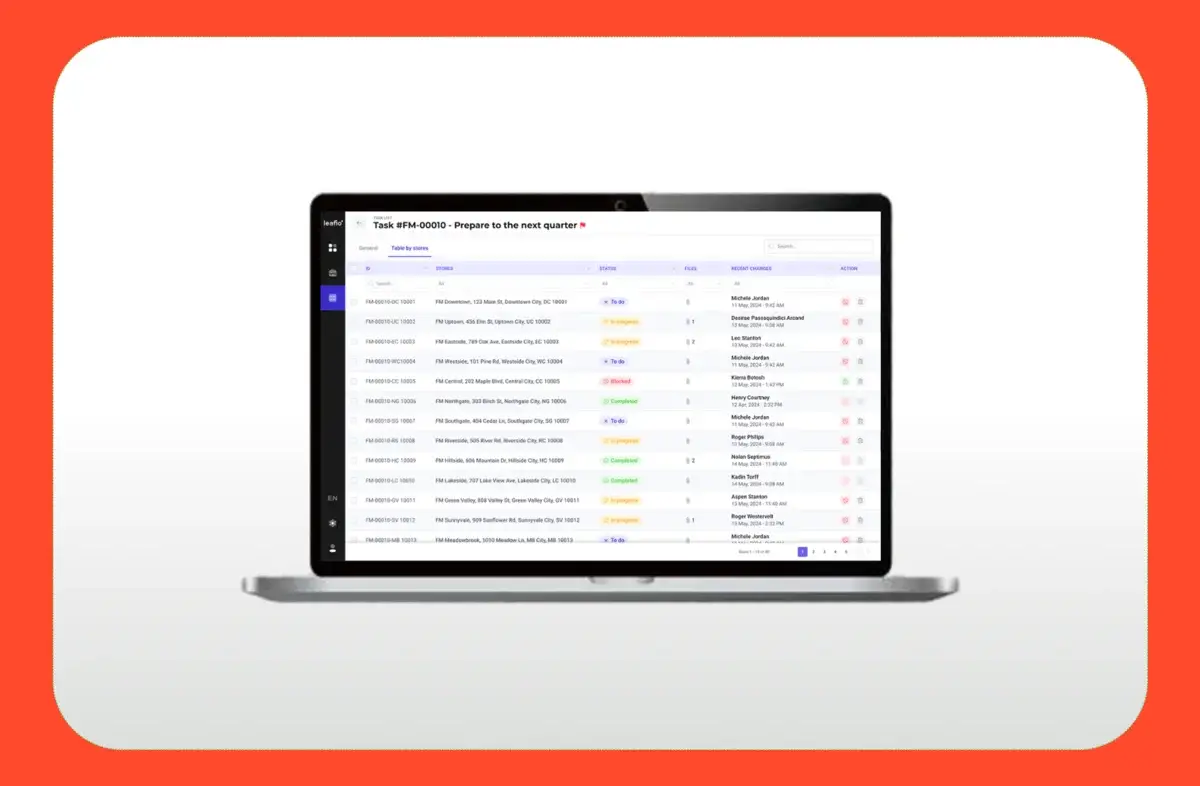
No emails. No Excel files. No delays. And because everything is mobile, store staff and managers can act in real time, while on the floor — not waiting for weekly reports or HQ instructions.
Final Takeaway: Every Scan Is an Opportunity
When used properly, LEAFIO SuperApp turns every scan, every chart, every product review into a potential improvement action. If your team adopts this mindset — analyze → act → improve — you’ll drive measurable gains in:
Availability and sales
Inventory accuracy
Planogram compliance
Margin and profitability
Team accountability
And you’ll do it all in less time, with fewer errors, and better teamwork.
Conclusion
LEAFIO SuperApp is more than just a reporting tool — it’s a mobile command center for agile, data-driven retail execution.
If you make it part of your team’s daily routine, you’ll build a culture of continuous improvement and responsiveness — giving your stores a real competitive edge.
Ready to see what LEAFIO SuperApp can do in your stores? Book a demo today and experience it in action.


Have a question?

Kristi Miller
Retail optimization expert